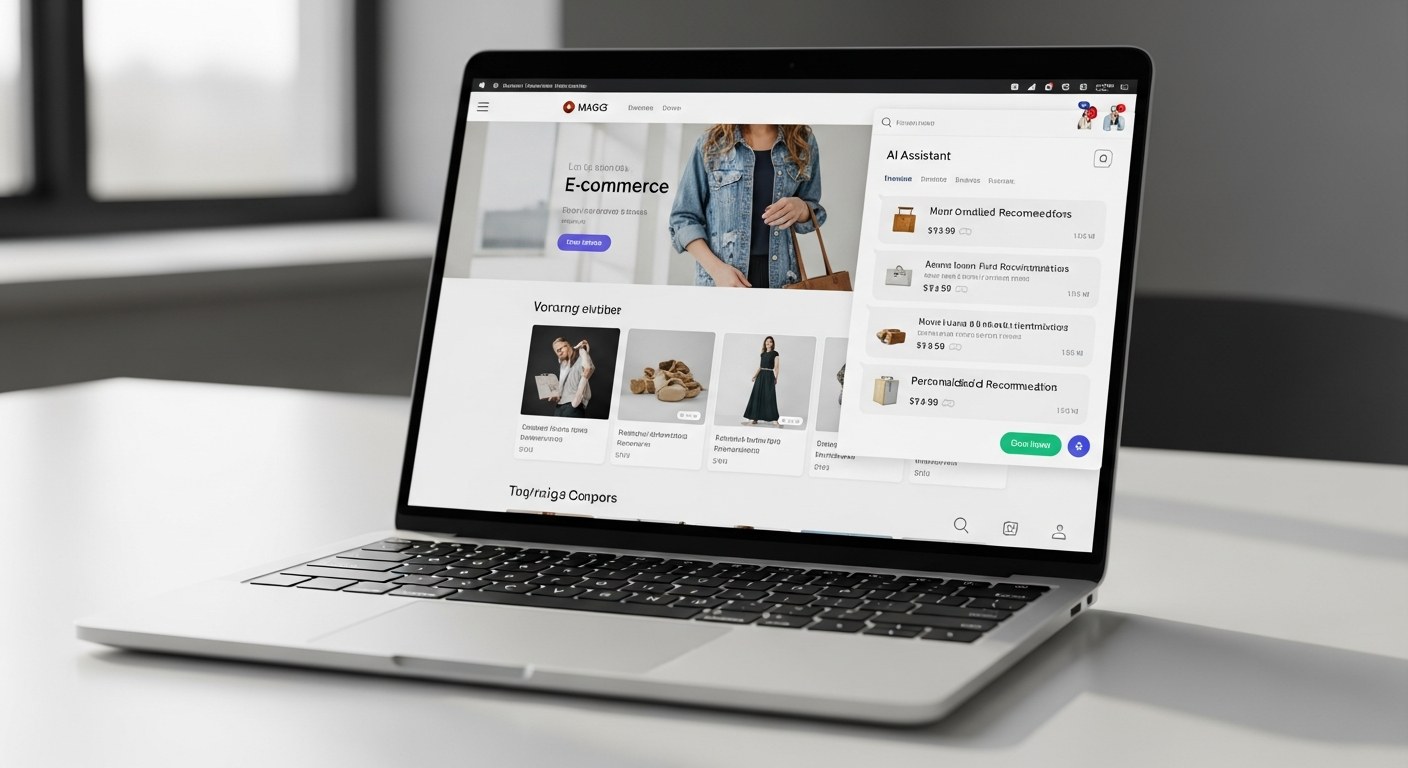
AI shopping assistants on Shopify now handle product discovery, size recommendations, support tickets, and upsells — all without a human agent. The tools that deliver this in 2026 include Shopify Sidekick (significantly expanded), Tidio, Gorgias, Fin by Intercom, and Richpanel — each suited to different store sizes and use cases. Tidio reports reducing support ticket volume by up to 40%, while Shopify's Q1 2026 data shows an 8x year-over-year increase in traffic arriving from AI search tools to merchant stores. If that traffic lands and there's no assistant to guide it, you're leaving conversions on the table.
TL;DR — Key Takeaways
- AI shopping assistants handle discovery, support, and upsells simultaneously — reducing human agent costs while increasing conversion rates
- Shopify Sidekick is now a real AI layer, not just a help widget — but third-party tools offer more customization for complex catalogs
- Tidio and Gorgias serve different needs: Tidio for proactive engagement, Gorgias for support-first workflows
- ROI positive within 60–90 days is achievable for mid-size stores with 500+ support tickets/month
- Implementation without breaking UX requires positioning, trigger logic, and tone configuration — not just installing the app
Why AI Shopping Assistants Are No Longer Optional in 2026
Eight times more traffic from AI search tools arrived at Shopify stores in Q1 2026 than in Q1 2025. That's not a rounding error — it's a structural shift in how buyers move from intent to purchase. Shoppers are asking ChatGPT, Perplexity, and Google's AI Overviews which product to buy, clicking through to product pages or brand sites, and arriving with a specific question already formed. If there's no AI system on your site to meet that question, you're relying on a static product page to close a buyer who already expects a conversation.
Beyond traffic source, the cost pressure is real. Average customer acquisition cost for ecommerce brands exceeded $70 in 2026 for most direct-to-consumer categories. At that CAC, you cannot afford to lose a buyer who landed on your site because a support question went unanswered, a size question drove them to your competitor, or a bundle recommendation never surfaced. An AI shopping assistant handles all three — without adding headcount.
The conversion data supports the investment. AI personalization deployed at the session level drives up to 40% higher conversion rates and a 60% improvement in customer lifetime value, according to 2026 DTC benchmarks. That's not because AI assistants are magic — it's because they surface the right product to the right buyer at the right moment, which a static homepage and category page structure cannot do. If you're already running paid media campaigns to drive traffic, an AI assistant is the on-site layer that captures more of that investment.
Shopify Sidekick vs Third-Party AI Tools: What's the Difference?
Shopify Sidekick, originally launched as an admin assistant for merchants, received a significant update in 2026 that extends its capabilities into the buyer-facing storefront. In its current form, Sidekick can answer product questions, surface recommendations based on browsing behavior, handle basic order status inquiries, and guide buyers through size or compatibility choices — all natively integrated into Shopify's checkout and product page architecture.
The advantage of Sidekick is obvious: zero integration complexity. It has direct access to your catalog, inventory levels, metafields, and customer data without an API handoff. For stores with straightforward catalogs (under 500 SKUs, limited variation complexity), Sidekick's 2026 build is often sufficient. The same Shopify development infrastructure that powers your store powers Sidekick — there's no separate data sync to maintain.
Where Sidekick still falls short is in proactive engagement, multi-channel support (email, Instagram DMs, SMS), and deep workflow automation. If your support operation spans channels, or if you want the assistant to proactively engage visitors based on behavioral triggers (exit intent, idle time on a product page, cart abandonment mid-session), you need a third-party tool.
The short version: Sidekick is a solid baseline for most Shopify stores. Third-party tools like Tidio, Gorgias, Fin, or Richpanel are better for stores with high support volume, multi-channel operations, or a need for proactive commerce — not just reactive support.
Tool Comparison: Tidio, Gorgias, Fin, and Richpanel
Here's how the leading AI shopping assistant tools compare on the dimensions that matter for ecommerce operators in 2026:
| Tool | Best For | AI Capability | Proactive Engagement | Shopify Integration | Starting Price/mo |
|---|---|---|---|---|---|
| Tidio | SMB/mid-market, proactive sales | Strong (Lyro AI) | Yes — exit intent, idle triggers | Native | ~$29 |
| Gorgias | Support-first, high ticket volume | Good (AI responses, macros) | Limited | Native, deep | ~$10 (10 tickets) |
| Fin by Intercom | Mid-market to enterprise | Excellent (GPT-4 based) | Yes — behavioral triggers | Via integration | ~$29 base + resolution fees |
| Richpanel | Omnichannel brands, DTC | Good | Moderate | Native | ~$29 |
| Shopify Sidekick | Shopify-native simplicity | Moderate | No | Native | Included with Shopify |
Tidio is the strongest option for stores that want the assistant to actively sell, not just answer questions. Its Lyro AI engine handles product recommendations, cart recovery conversations, and personalized upsells based on what the visitor has browsed. Setup is fast — most stores are live within a day — and the trigger system is flexible enough to deploy assistants on specific page types without cluttering every page.
Gorgias is built around support workflows, not proactive selling. Its AI capability handles auto-responses, ticket triage, and macro-based replies effectively — but it's primarily reactive. Where Gorgias excels is unifying all support channels (email, chat, social comments, SMS) in one workspace, with Shopify order data surfaced in the same view. For brands whose primary problem is support cost, not conversion lift, Gorgias is the right choice.
Fin by Intercom sits at the premium end for a reason: its resolution rate on complex queries is meaningfully higher than simpler tools because it's built on a more capable language model. For brands with large catalogs, nuanced product compatibility questions, or high-stakes returns conversations, Fin handles edge cases better. The pricing model (per resolution) can get expensive at scale, so run the math carefully before committing.
Richpanel is a strong choice for brands with both a Shopify store and a presence on other channels (Amazon, social commerce). It centralizes customer interactions across all of them while keeping Shopify order data accessible — a useful architecture for multi-channel operators.
How to Calculate the ROI Before You Buy
Before committing to any tool, run this quick ROI framework against your own numbers:
Step 1: Quantify current support cost. Monthly support ticket volume × average handling time × your support team's blended hourly cost = monthly support spend.
Step 2: Apply the deflection rate. Industry benchmarks show AI deflects 35–50% of routine tickets (order status, sizing, returns policy, product questions). Use 35% as a conservative estimate. Deflected tickets × cost per ticket = monthly savings from deflection.
Step 3: Estimate conversion lift. Take your current conversion rate and apply a conservative 10–15% uplift for sessions where a visitor engages with the assistant. Monthly sessions × 10% (visitors who engage) × current conversion rate × 12% uplift × average order value = monthly revenue increase estimate.
Step 4: Compare against tool cost. Most stores spending $3K+/month on support see ROI within 60 days. Stores with under $500/month in support costs should prioritize conversion lift as the primary ROI driver — deflection alone won't justify the investment at low ticket volumes.
| Monthly Support Tickets | Est. Monthly Support Cost | AI Deflection Savings (35%) | Typical ROI Timeline |
|---|---|---|---|
| <200 | <$1,000 | <$350 | ROI driven by conversion lift (6–12 months) |
| 200–500 | $1,000–$2,500 | $350–$875 | 3–5 months (combined deflection + lift) |
| 500–1,000 | $2,500–$5,000 | $875–$1,750 | 60–90 days |
| 1,000+ | $5,000+ | $1,750+ | 30–60 days |
A mid-size store doing $2M GMV annually with 800 support tickets per month and a 2% conversion rate on 50,000 monthly sessions will typically model out a 3–6x ROI in year one. That math holds at Tidio pricing, Gorgias pricing, and Fin pricing — the differences are in how the value is distributed between support savings and conversion lift. For strategic guidance on which tool fits your specific setup, our ecommerce consulting team can build the ROI model for your actual numbers before you commit.
Implementation Playbook: Adding an AI Assistant Without Breaking Your UX
The most common mistake in AI assistant deployment is treating it like a widget install. You drop the script, the chat bubble appears, and you're done. The result: a generic popup that asks "How can I help you today?" on every page, annoys mobile visitors, and adds zero value. Here's how to deploy one that actually works.
Define intent by page type before you configure anything. Your homepage visitor, product page visitor, and cart visitor have different questions. Map the intent for each and set up distinct assistant triggers and opening prompts per page type. A visitor on a product page should be greeted with a question about the product in view, not a generic opener.
Train on your catalog before launch. Every tool in this list allows you to connect your Shopify product catalog, FAQ content, return policy, and shipping information. Do this before you go live. An assistant that surfaces wrong product specs or incorrect shipping estimates does more damage than no assistant at all.
Set mobile-specific behavior. Mobile is 72% of ecommerce traffic in 2026. On mobile, a chat bubble in the corner is often acceptable; a full-screen overlay is not. Most tools allow separate mobile configuration — use it. Set the assistant to appear only after a behavioral trigger on mobile (time on page, scroll depth) rather than immediately on page load.
Configure escalation paths. An AI assistant that can't escalate gracefully when it doesn't know an answer creates frustrated customers. Set a clear escalation path: if confidence is below a threshold, hand off to a human agent or route to email. Document this in your tool configuration so the behavior is consistent across sessions.
Review conversation logs weekly for the first 30 days. The first month of logs will show you where the assistant is failing — which questions it can't answer, which product pages generate the most confusion, which escalation triggers fire most often. Use this to refine your catalog training and update your FAQ content. Most brands that see poor results from AI assistants never ran this review process.
Our team at Atlas has deployed AI shopping assistants across multiple Shopify stores in 2026. The brands that see the strongest results — both in support deflection and conversion lift — treat implementation as an ongoing configuration process, not a one-time setup. Brands that also implement AI-powered inventory demand forecasting go further — eliminating stockout responses from the assistant's workload entirely. If you want help choosing the right tool and configuring it for your specific catalog and customer journey, our AI & automation practice for ecommerce brands handles exactly this kind of implementation end-to-end.
FAQ: AI Shopping Assistants for Ecommerce
What is an AI shopping assistant for ecommerce, and how is it different from a regular chatbot?
A traditional chatbot follows a scripted decision tree — it can only respond to predefined questions with predefined answers. An AI shopping assistant uses a large language model to understand the intent behind a question and generate a relevant, contextual response based on your catalog, policies, and customer data. The practical difference: a chatbot breaks when a customer asks anything outside its script; an AI assistant can handle nuanced questions like "I'm between a medium and large, I prefer a relaxed fit, what should I order?" and give a useful answer.
How much does an AI shopping assistant cost for a Shopify store?
Entry-level tools like Tidio start at approximately $29/month for the AI tier. Gorgias is priced per ticket, starting at $10/month for 10 tickets, scaling with volume. Fin by Intercom charges a per-resolution fee on top of a base platform cost, which can reach $300–$1,000/month for mid-size stores with high ticket volume. Shopify Sidekick is included with Shopify plans. For a store doing $1–5M GMV, expect to spend $50–$200/month on a capable AI assistant depending on volume and tool choice.
Will an AI shopping assistant actually reduce my support team's workload?
Yes, but the deflection rate depends on your ticket mix. If 60% of your support volume is order status, shipping questions, return policy, and basic product questions — all of which AI handles confidently — you can realistically deflect 35–50% of tickets. If your support volume skews toward complex warranty claims, damage disputes, or bespoke customization requests, deflection rates will be lower. Most stores see meaningful workload reduction within 30–60 days of a well-configured deployment.
Is Shopify Sidekick good enough, or do I need a third-party tool?
For stores with catalogs under 500 SKUs, minimal support complexity, and no multi-channel support needs, Sidekick's 2026 build is a solid starting point at no extra cost. For stores with high support volume, proactive selling requirements (exit intent, cart recovery), or channels beyond Shopify chat (email, social, SMS), a third-party tool like Tidio or Gorgias will deliver meaningfully better results.
How long does it take to see ROI from an AI shopping assistant?
Most mid-size stores (500+ support tickets/month, $1M+ GMV) reach positive ROI within 60–90 days when the tool is configured correctly. The variable is "configured correctly" — stores that install and don't train the assistant on their catalog or review conversation logs in the first 30 days typically see poor results and abandon the tool before it delivers value. Treat the first month as setup, and the ROI typically shows clearly in month two.
Choosing the right AI shopping assistant and configuring it for your specific store is a decision worth getting right — the difference between a tool that deflects 40% of support tickets and one that deflects 5% is almost entirely in the setup, not the software. If you're evaluating options or want an expert to handle implementation end-to-end, our AI & automation team for ecommerce brands can scope the right solution for your catalog and customer journey. We also work across Shopify development and performance marketing to ensure your assistant integrates cleanly with your store architecture and paid media data layer.