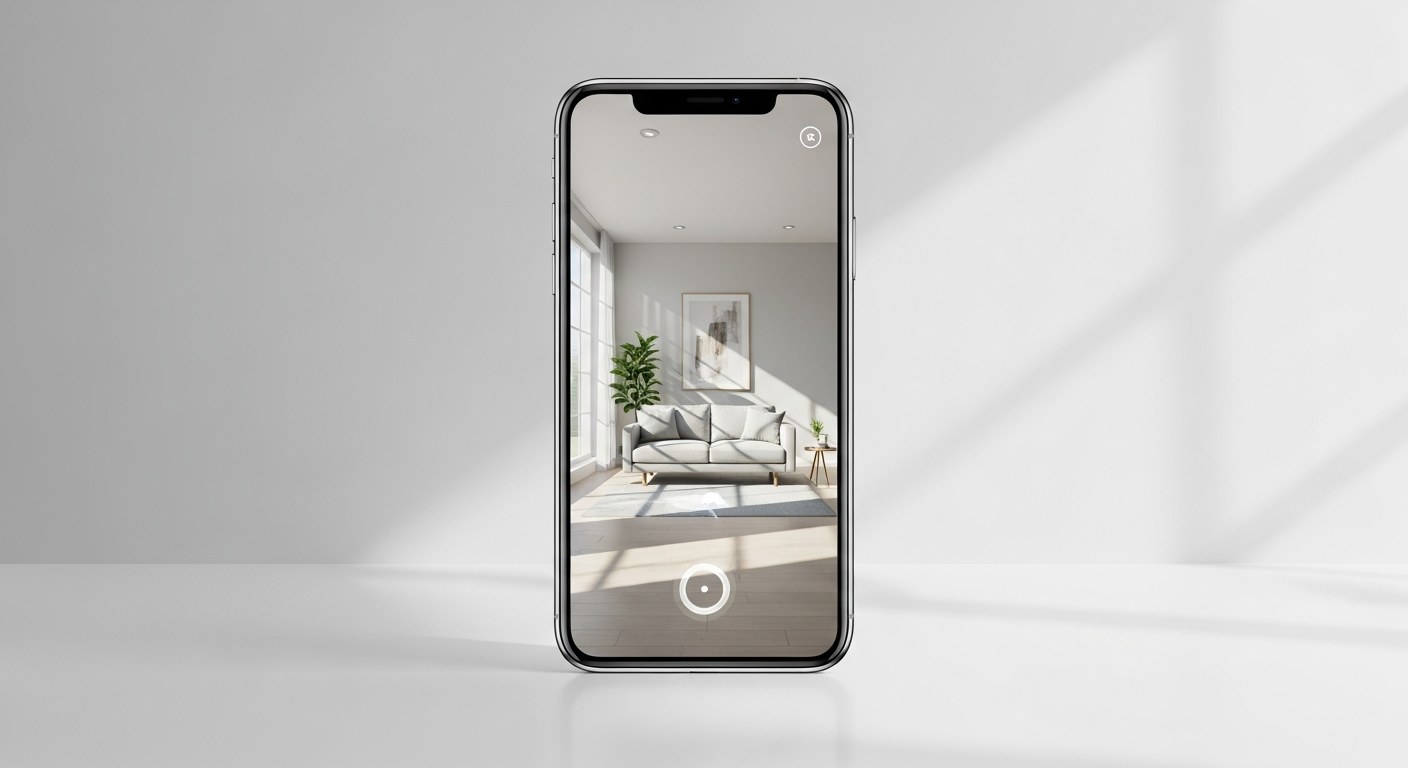
Shopify 3D product models and AR dramatically reduce the uncertainty that kills online purchases. Shoppers who interact with a 3D model or place a product in their physical space via AR are significantly more likely to buy — and significantly less likely to return it. Shopify's own 2026 data identifies AR and 3D visualization as a top driver of purchase confidence, and mobile commerce (72% of US ecommerce traffic) is exactly where this experience lands best.
Most brands under $10M haven't touched 3D or AR. Not because it doesn't work — because they assume it's expensive or technically complex. This guide dismantles both assumptions.
- AR reduces return rates by helping shoppers set accurate expectations before purchase
- Shopify natively supports .glb 3D model files — no app required to render them on product pages
- 3D asset production costs $50–$500 per SKU depending on complexity and method
- ROI is strongest for furniture, decor, footwear, jewelry, and any product where fit or scale matters
- Start with your top 10–20 SKUs by revenue — you don't need to convert your entire catalog on day one
Why Static Product Photos Are Losing the Conversion Battle
A product page with five studio photos used to be the gold standard. It still works — but it no longer differentiates, and for certain product categories, it's actively leaving conversion on the table.
The core problem is scale and context. A flat image tells you what a product looks like in isolation, on a white background, under controlled lighting. It doesn't tell you how big it actually is, how it'll look in your living room, or whether the color matches your existing setup. Shoppers fill those gaps with uncertainty — and uncertainty kills purchase intent.
Returns tell the same story from the other direction. "Looked different than expected" and "didn't fit as described" are consistently among the top return reasons across product categories. Those aren't shipping or quality failures. They're expectation failures that happen before the order is placed.
3D models and AR address both problems at once. A shopper who rotates a 360° 3D model understands the product's proportions and finish before they add to cart. A shopper who places a virtual couch in their living room via AR doesn't wonder if it'll fit — they can see it. That confidence translates into higher conversion and fewer returns.
How 3D Models and AR Work on Shopify (No-Jargon Explainer)
Shopify has supported 3D models natively since 2019 and the integration has matured significantly. Here's how the pieces fit together.
3D model files: The format Shopify uses is .glb (GL Binary), a compressed 3D file format that contains geometry, materials, and textures in a single file. When uploaded to a product in the Shopify admin, it automatically replaces the standard photo carousel with an interactive 3D viewer. Shoppers can rotate, zoom, and inspect the product from any angle — no plugin, no download, no friction.
Augmented reality: On iOS devices (iPhone and iPad), Shopify triggers Apple's AR Quick Look when a shopper taps "View in your space" on a product page with a 3D model uploaded. The product appears in the camera view, scaled correctly to real-world dimensions, and anchors to flat surfaces. On Android, Shopify uses Google's Scene Viewer for the same functionality. Both work directly in Safari and Chrome — no app install required.
What you need: A .glb file for each product you want to feature in 3D/AR, uploaded via Shopify admin → Products → [product] → Media. That's it on the Shopify side. The production of that .glb file is where the actual work happens.
One thing worth understanding: AR works best for products with defined physical dimensions. Furniture, lighting, rugs, decor, shoes, bags, and jewelry are natural fits. Apparel without a clear silhouette, digital products, or consumables are less compelling use cases.
The Real Cost: 3D Asset Production for Ecommerce Brands
This is where most brands either overestimate or underestimate — and both lead to inaction. Here's the actual cost breakdown by production method:
| Method | Cost Per SKU | Turnaround | Best For |
|---|---|---|---|
| Photogrammetry (photos → 3D scan) | $50–$150 | 3–5 days | Small, detailed objects (jewelry, shoes, collectibles) |
| Manual 3D modeling (artist-built) | $150–$500 | 5–10 days | Furniture, complex objects needing clean geometry |
| AI-assisted modeling (2026 tools) | $30–$100 | 1–3 days | Mid-complexity products where speed matters |
| In-house (iPhone LiDAR + apps) | Near-zero | Same day | Simple objects; quality ceiling is lower |
Photogrammetry is the fastest on-ramp for most brands. You photograph a product from 30–60 angles in controlled lighting, then software (Reality Capture, Metashape, or web-based tools like Polycam) generates a 3D model. Quality depends on product surface — matte textures scan well, glossy or transparent materials are harder.
Manual 3D modeling by a skilled artist produces the cleanest results and is the standard for high-end furniture and footwear brands. Cost scales with complexity. A simple vase might be $100; a sectional sofa with multiple fabric options might be $400–$600 per variant.
AI-assisted tools like CSM.ai and Luma AI have closed the gap significantly in 2026. You upload reference images and receive a 3D model within hours. Quality is good for most product categories and the price point is accessible for brands testing the channel before committing to a full catalog rollout.
For most brands, the right starting point is photogrammetry or AI-assisted production for your top 10–20 SKUs. That's a $500–$3,000 investment, and it's enough to validate the channel before scaling.
Tools and Apps to Deploy AR on Your Shopify Store Today
Native Shopify (no app required): Upload a .glb file to any product and Shopify renders the 3D viewer automatically. AR triggers on mobile without any additional configuration. This is the right starting point — validate with native tools before adding complexity.
Threekit: Enterprise-grade 3D and AR configuration platform. Best for brands with configurable products (custom furniture, made-to-order items with color/material options). High cost ($1,000+/month) but the configurator experience is best-in-class for complex SKU structures.
Vertebrae / Poplar Studio: Mid-market AR platforms with Shopify integrations, analytics dashboards, and support for WebAR (AR that works in any browser without Apple AR Quick Look, including desktop). Good fit for brands that want measurement infrastructure alongside the AR experience.
Zakeke: More accessible price point ($29–$199/month), supports 3D product customization and AR viewing, integrates directly with Shopify. Good option for brands in the $1M–$10M range that want something beyond native Shopify without enterprise pricing.
Aryel: WebAR-focused platform that works across devices and browsers without requiring file downloads or app installs. Useful for brands with a significant non-iOS audience.
For most Shopify merchants, the progression looks like this: start with native .glb upload → validate conversion lift with a 30-day A/B test → if the numbers support it, evaluate a platform like Zakeke or Vertebrae for analytics and expanded AR modes.
Our team at Atlas handles both 3D asset production and the Shopify integration — we've run this rollout for clients in furniture, footwear, and home goods categories.
Measuring the Conversion and Return-Rate Impact
If you're deploying 3D/AR without a measurement framework, you'll never know whether it's working. Here's what to track:
3D model engagement rate: What percentage of product page visitors interact with the 3D model (rotate, zoom, or trigger AR)? Shopify's native analytics don't break this out, but Hotjar, Microsoft Clarity, or a platform like Vertebrae will give you click events on the 3D viewer.
AR session rate: Of visitors who see the AR button, how many tap it? A low AR session rate often means placement — move the button above the fold or add copy explaining what it does.
Add-to-cart rate by segment: Compare add-to-cart rate between visitors who engaged with the 3D model vs. those who only viewed photos. This is your primary conversion signal.
Return rate by SKU: Run this comparison 60–90 days after launch. Products with 3D/AR available should show lower return rates than comparable products without it, assuming the 3D model accurately represents the product.
A/B testing approach: If you're on Shopify Plus, you can use the Checkout Extensibility and Shopify Experiments infrastructure to run clean A/B tests. For standard Shopify, consider deploying 3D on a subset of SKUs and comparing performance against similar SKUs without it over a 30–60 day window.
Shopify's 2026 ecommerce trends report specifically highlights AR as a lever for purchase confidence, and social commerce is projected at a $1.2 trillion market globally — with immersive content driving discovery-to-purchase at higher rates than static content. If 72% of your traffic is on mobile and you're not giving those shoppers an AR experience for your key SKUs, you're leaving measurable revenue on the table.
This is also a channel where creative strategy and performance marketing intersect — 3D assets can be repurposed as ad creative, product page content, and social posts. One asset production investment, multiple channels.
FAQ: 3D and AR for Ecommerce
Does 3D and AR on Shopify work for all product categories?
Not equally. The highest-impact categories are those where scale, fit, or spatial context matters before purchase — furniture, rugs, lighting, decor, footwear, jewelry, bags, and apparel accessories. For consumables, digital products, or flat items where the photo already communicates everything relevant, the lift is smaller. Start with the SKUs in your catalog where "it looked different than I expected" returns are most common — that's your clearest signal for where 3D/AR will move the needle.
How long does it take to produce and deploy 3D models for a Shopify store?
For a catalog of 10–20 SKUs using photogrammetry or AI-assisted modeling, plan for 2–4 weeks from product sourcing to live deployment. This includes photography or reference image capture, 3D model production, quality review, and upload. Manual artist-built models for complex furniture or configurable products take longer — 4–8 weeks depending on the number of variants. Once the process is established, adding new SKUs becomes faster.
What's the minimum viable investment to test 3D and AR on Shopify?
If you use AI-assisted tools and do your own photography, you can test with 5 SKUs for $150–$500 in production costs, with no ongoing platform cost (Shopify's native viewer is free). That's a realistic pilot scope. If you want analytics infrastructure and broader AR device coverage, budget $200–$500/month for a platform like Zakeke alongside production costs. The pilot pays for itself if you see even a 5% lift in add-to-cart rate on high-revenue SKUs.
Will 3D and AR work on Android devices, or just iPhone?
Both. Shopify triggers Apple AR Quick Look on iOS and Google Scene Viewer on Android — both work natively in Safari and Chrome respectively, with no app installation required from the shopper. Android's AR experience has improved substantially in 2025–2026 and is now reliable across most current-generation Android devices.
Can 3D product models be reused for ads and social content?
Yes — and this is one of the underappreciated ROI arguments for the investment. A .glb file can be rendered into video, animated GIFs, static images from any angle, and interactive web experiences. Brands are increasingly using 3D renders as ad creative on Meta and TikTok, where they perform well because the rotating product view is visually distinctive in a feed full of static images. Budget the production cost against all channels it touches, not just the product page.
Ready to add 3D and AR to your Shopify store?
Atlas handles asset production, Shopify integration, and measurement setup — start with your top SKUs and scale from there.
Talk to Our Ecommerce Team →