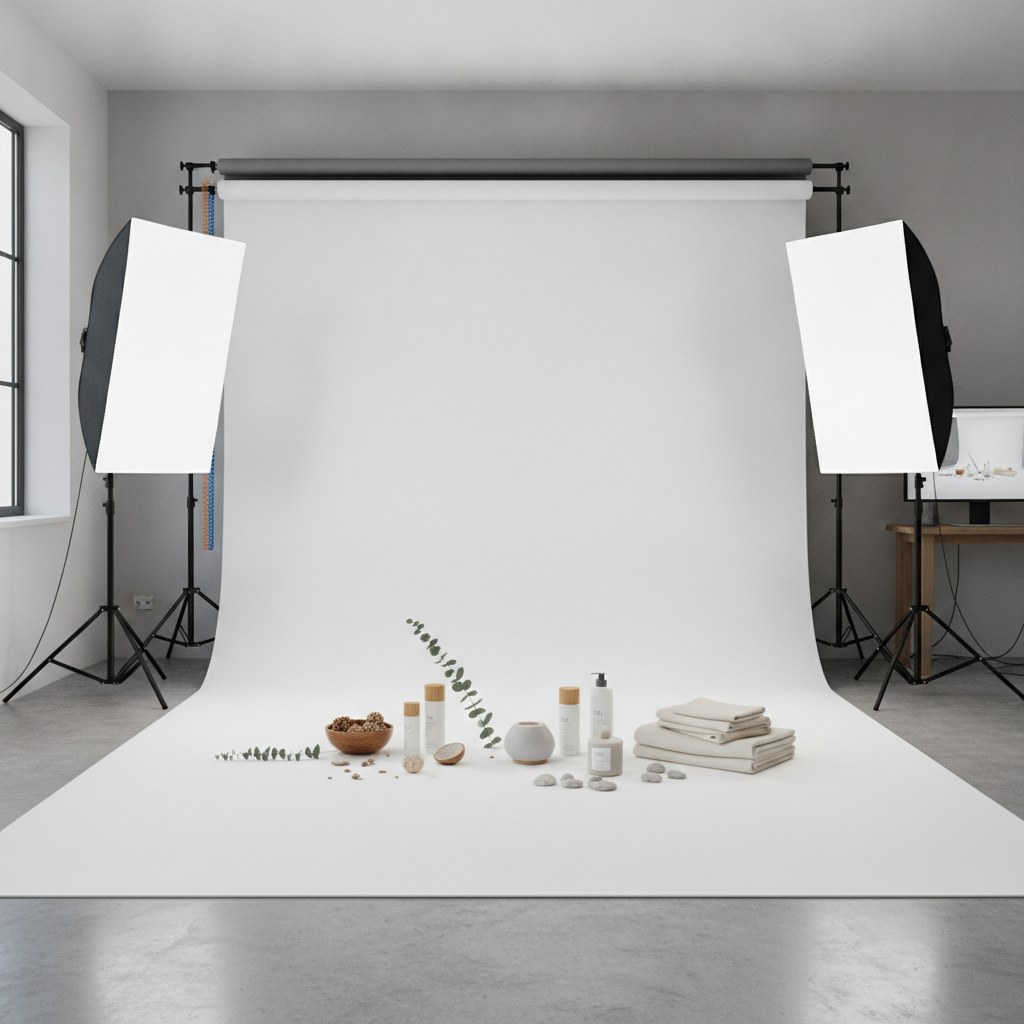
Ecommerce product photography direction determines whether your images sell or just decorate a page. The strategic decisions you make before a photographer touches a camera — shot sequence, lifestyle vs. hero balance, scale cues, texture details — drive conversion rate more than lighting setup or editing style ever will. Most brands get the technical side right and leave the strategy on the table.
Why Photography Direction Is a Revenue Decision, Not a Creative One
Product images are your store's primary salesperson. A visitor can't touch, smell, or try on what you're selling — so your photography has to do all of that work through pixels.
Research consistently shows product image quality ranks as a top-3 conversion factor on ecommerce product pages, alongside price and reviews. Customers who can view six or more product images from multiple angles convert at measurably higher rates and return products at lower rates. That's not a creative preference — it's a revenue outcome. If reducing your return rate is a priority, our guide on how product content strategy reduces ecommerce return rates covers the full content audit framework.
The mistake most brands make: they treat photography as a production problem ("how do we shoot this efficiently?") instead of a conversion problem ("what does a customer need to see to buy with confidence?"). Framing it as the latter changes every decision you make in the creative brief.
This post is a creative direction guide — the strategic layer that sits above equipment, lighting, and editing. It's what our team at Atlas's creative and content practice establishes before a single shoot day is scheduled, and it's what separates product pages that convert at 4% from those converting at 1.5%.
Image Sequence Logic — The Order of Photos That Maximizes Conversion
The sequence of images on a product page matters as much as the images themselves. Think of it as a sales conversation: each photo answers the next question a hesitant buyer has.
A proven 6-image sequence for most ecommerce categories:
| Position | Shot Type | Purpose |
|---|---|---|
| 1 | Clean hero (white/neutral bg) | First impression, thumbnail performance |
| 2 | Lifestyle / in-use | Aspiration and context |
| 3 | 360° or alternate angle | Spatial understanding |
| 4 | Detail / texture close-up | Material confidence, reduces returns |
| 5 | Scale reference shot | Eliminates size surprises |
| 6 | Packaging / unboxing | Supports gifting decisions, sets expectations |
Most brands nail positions 1 and 2. Positions 4 through 6 are where they lose conversions and generate returns.
The scale reference shot in particular is chronically underused. Photographing a product next to a human hand, a familiar object, or with a model of known height gives the customer a spatial anchor. Missing this is the single biggest driver of "it was smaller than I expected" returns in home goods, accessories, and electronics categories.
Lifestyle vs. White Background: The Actual Data on What Converts by Category
There's a persistent debate about whether lifestyle or white-background images convert better. The answer is: both, and in different ratios depending on your category.
| Category | Hero Weight | Lifestyle Weight | Notes |
|---|---|---|---|
| Fashion & Apparel | 30% | 60% | Fit, movement, and styling context drive decisions |
| Beauty & Skincare | 50% | 40% | Formula, texture, and packaging clarity matter most |
| Home Goods & Décor | 25% | 65% | "How will it look in my space?" is the primary question |
| Food & Beverage | 20% | 70% | Appetite appeal requires lifestyle context almost exclusively |
| Electronics & Accessories | 60% | 30% | Technical clarity and detail outweigh aspiration |
| Jewelry & Fine Accessories | 40% | 50% | Both clarity and aspiration are high-stakes |
White-background hero shots still matter for catalog consistency, ad thumbnails, and marketplace listings. But for the product page itself, lifestyle images do the emotional conversion work — they answer "can I picture myself using this?" before the customer consciously asks it.
For brands using AI-generated flat product photography (increasingly common for studio-quality hero shots at lower cost), this actually strengthens the argument for investing in more lifestyle photography. As AI tools displace traditional flat-product studios, human-captured lifestyle imagery becomes the differentiating content AI can't yet replicate convincingly.
The Detail and Texture Shot Most Brands Skip (That Reduces Returns)
Across ecommerce brands we work with at Atlas, the single most conversion- and return-impacting image type that brands consistently omit is the material detail shot: a macro close-up that shows texture, stitching, grain, finish, or material composition.
This image type does two jobs simultaneously:
- Pre-purchase: builds material confidence, answering "does this feel premium?" through visual texture cues
- Post-purchase: reduces returns by aligning expectations — the customer knew exactly what they were getting
For fabric products: a close-up of the weave. For leather goods: grain and edge finishing. For ceramics or tableware: glaze texture and thickness. For electronics: port detail, button feel, and finish sheen.
Brief your photographer to shoot these with a macro lens or tight zoom at the end of every session — they add under 20 minutes to a full-day shoot and can meaningfully reduce your return rate in tactile categories.
Creative Briefs for Photographers — What to Specify vs. Leave to Their Judgment
A creative brief that over-specifies kills photographer creativity. One that under-specifies produces unusable images.
Always specify in your brief:
- Shot list with quantities (e.g., "1 hero, 2 lifestyle, 1 texture detail, 1 scale reference")
- Background and color palette constraints
- Required props and styling elements — or what's explicitly off-limits
- Model demographics if applicable (size range, skin tone diversity goals)
- Final output format, resolution, and deadline
- Brand reference images (mood board) — 5–10 images that convey the right feeling
Leave to their judgment:
- Exact camera angles within a specified shot type
- Lighting setup and ratios
- Posing within guardrailed direction
- Background texture and styling details within your color constraints
The brief should give a good photographer enough constraint to stay on-brand and enough freedom to produce something better than you imagined. If your brief specifies every angle and lighting ratio, you'll get technically compliant but creatively flat results.
For brands running ecommerce creative production, this direction framework applies equally to AI photography tools like WearView and Booth AI. They require the same strategic inputs — shot type, background, composition style — to produce usable results. The discipline of briefing transfers directly. Our full breakdown of AI product photography tools for ecommerce covers how to evaluate and integrate these platforms without losing creative consistency.
Category-Specific Direction Notes
Fashion & Apparel: Always shoot on-model for tops, bottoms, and outerwear. Flat-lay works for accessories and basics with known sizing. Include at least one movement shot — static poses undersell fit and drape.
Beauty & Skincare: Film-quality lighting is non-negotiable. Your customer is evaluating formula consistency, pigmentation, and finish through the image. Include a texture/swatch shot for any color product.
Home Goods & Décor: Shoot in a full styled room setting, not a corner of props. The customer is buying into a lifestyle vision. Include at least one shot that shows scale relative to a full room.
Food & Beverage: Shoot within 2 hours of prep for hero shots — freshness reads visually. Include "pour," "serve," or "use" moments that convey the experience, not just the product.
If you're investing in Shopify store design and development, coordinate your photography strategy with your product page layout early — the image gallery module, zoom behavior, and mobile image stacking all affect which shots are most valuable and in what order.
FAQ
How many product images should an ecommerce product page have?
Six to eight images is the evidence-backed sweet spot for most categories. Research on ecommerce UX shows customers who view six or more images from different angles convert at higher rates and return products less frequently. Fewer than four images on a high-ticket item leaves too many visual questions unanswered. Beyond eight, returns diminish unless you're selling a complex product that requires extensive visual explanation.
Is lifestyle photography worth the cost for a small ecommerce brand?
Yes — but you can be strategic about it. For a small brand, prioritize lifestyle imagery for your top 10–20% of SKUs by revenue. A clean hero shot plus one lifestyle image outperforms hero-only at meaningful conversion rates. You don't need a full lifestyle shoot for every SKU; batch your hero products and invest the lifestyle budget where it will have the most revenue impact.
What's the ROI difference between professional photography direction and just sending products to a photographer?
This is hard to measure in a controlled way, but our team consistently sees 15–30% conversion rate differences between product pages with strategic photography direction (proper sequence, scale reference, texture detail) and those with equivalent technical quality but no creative strategy. The detail shot and scale reference shot alone reduce return rates in tactile categories, which has downstream impact on margins beyond the conversion rate itself.
Should I invest in AI product photography or traditional photography?
It's not either/or. AI photography tools excel at consistent, cost-effective flat-product hero shots — especially useful for large catalogs where per-SKU photography costs are prohibitive. Traditional photography is where you invest for lifestyle, model, and detail shots that require human context and physical texture. A hybrid workflow — AI for hero catalog shots, traditional for lifestyle and detail — is increasingly the efficient standard for mid-size ecommerce brands.
How do I build a photography brief if I've never done one before?
Start with a shot list, not a mood board. List every image type you need (hero, lifestyle, detail, scale reference, packaging) with quantities per SKU. Then add a mood board of 5–10 reference images that capture the brand feeling you want. Then specify what's off-limits. That three-layer brief — shot list, mood board, restrictions — gives a photographer 80% of what they need to produce usable, on-brand images without requiring you to be on set for every shot.
Need Creative Direction That Converts?
Our creative and content team works with ecommerce brands on photography briefs, shoot production, ad creative, and UGC sourcing — so your visual assets perform across site, ads, and channels. Let's talk about your creative strategy.