Shopify Cross-Sell & Upsell Strategy for Q4 2026
Shopify cross-sell and upsell strategy is the fastest way to grow Q4 revenue without increasing your ad spend. By placing the right product suggestions at the right moment — on the product page, in the cart, after checkout, and post-delivery — ecommerce brands consistently see AOV increases of 10–30%. During BFCM, when shoppers already have high intent and their wallets open, a well-placed upsell captures revenue that would otherwise leave your store untouched.
- Why Q4 Is the Best Time to Maximize AOV
- Pre-Cart Cross-Sells: Product Page and Collection Page Recommendations
- In-Cart Upsells: Cart Drawer and Slide-Out Tactics
- Post-Purchase Upsell Flows: The One-Click Revenue Layer
- The Best Shopify Apps for Cross-Sell and Upsell in 2026
- FAQ: Shopify Cross-Sell and Upsell Strategy
- Cross-selling and upselling can increase ecommerce revenue by 10–30% with zero incremental ad spend
- BFCM shoppers have 30% higher AOV than non-holiday shoppers — upsell momentum is real
- Post-purchase upsells (one-click, no re-entry of payment) convert at 15–25%
- The full funnel has four layers: pre-cart, in-cart, post-purchase, and post-delivery
- Native Shopify features cover the basics; dedicated apps unlock performance at scale
Why Q4 Is the Best Time to Maximize AOV (and How to Do It)
BFCM shoppers don't browse the way they do in February. They arrive at your store with a mission — spend money, find gifts, grab deals — and they're psychologically primed to add more to their cart than they normally would. Average order value during BFCM is 30% higher than non-holiday periods, according to Shopify's 2025 data. That means your upsell suggestions are landing in front of buyers who are already in a "yes" state.
The math is straightforward. If your store does $500,000 in BFCM revenue at an average AOV of $85, raising AOV by just 15% to $97.75 adds $88,000 in revenue — with no additional traffic, no additional ad spend, and no new customers to acquire. That's the case for prioritizing cross-sell and upsell infrastructure now, before peak season.
Cross-selling (recommending related products) and upselling (recommending higher-value alternatives or add-ons) are distinct tactics that work best layered together across the purchase journey. The brands that do this well treat it as architecture — not an afterthought. If you haven't already handled the store fundamentals, our Shopify BFCM store prep checklist is the right starting point before layering on AOV tactics.
Pre-Cart Cross-Sells: Product Page and Collection Page Recommendations
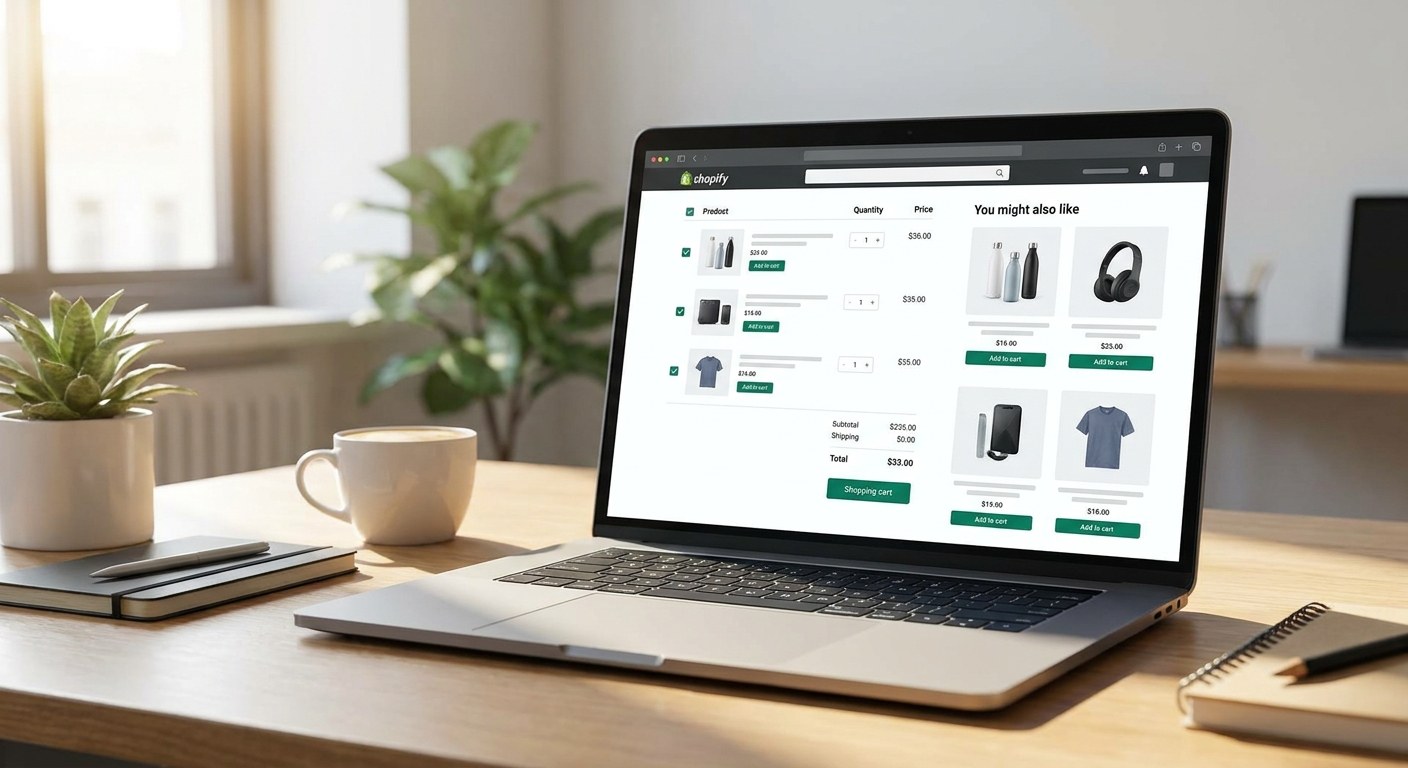
The product page is your first opportunity to expand the basket before a shopper commits to a single item. Pre-cart cross-sells show up as "Frequently Bought Together," "Complete the Look," or "You Might Also Like" modules on the PDP or collection page.
What works on the product page:
- Frequently Bought Together bundles — two or three products that logically pair, shown with a combined price and a single "Add All to Cart" button
- Complementary product suggestions — if someone is viewing a skincare serum, recommend the moisturizer and SPF from the same range
- Upsell to a larger size or kit — if the product comes in sizes or sets, show the higher-value option with a "Best Value" badge
Shopify's native product recommendations block (available in most themes) pulls from purchase and browsing history using its recommendation algorithm. It's a reasonable starting point, but it doesn't give you control over which products appear together. For Q4, where specific bundle pairings matter, use an app like Rebuy or LimeSpot to hard-code high-margin cross-sell relationships.
On collection pages, "sponsored" or "featured" product placements at the top of browse results can surface higher-margin items to shoppers who haven't yet committed to a specific product — another pre-cart touchpoint most brands underuse. Our Shopify development team regularly configures these recommendation modules as part of CRO engagements, particularly for stores heading into high-traffic seasons.
In-Cart Upsells: Cart Drawer and Slide-Out Tactics
Once a shopper adds something to their cart, their intent has escalated. This is prime upsell territory. In-cart suggestions need to be fast, relevant, and frictionless — a poorly placed upsell that slows down the path to checkout kills more revenue than it creates.
The cart drawer (slide-out, not a full cart page) is the dominant pattern in 2026 Shopify themes because it keeps the shopper on the page they were browsing. Inside the drawer, you have space for a single upsell recommendation, a progress bar toward free shipping, and bundle add-ons at low price points.
| Placement | Format | Typical Conversion Lift |
|---|---|---|
| Cart drawer upsell | Single product suggestion | 8–15% add rate |
| Free shipping progress bar | Threshold indicator | 12–20% AOV lift |
| Bundle add-on | Checkbox with low-cost item | 10–18% add rate |
| Cart page cross-sell grid | 3–4 product thumbnails | 5–10% add rate |
Keep the cart drawer clean. One recommendation at a time. If you show five products in the drawer, shoppers ignore all of them. Rebuy's Smart Cart and CartHook both support single-slot rule-based recommendations that update based on cart contents in real time.
Q4-specific tactic: During BFCM, add a "Gift wrapping available" checkbox inside the cart drawer at $5–$8. Gift wrapping is zero-inventory overhead, adds a meaningful AOV increment, and removes friction for gift buyers who would otherwise have to hunt for that option.
Post-Purchase Upsell Flows: The One-Click Revenue Layer
Post-purchase upsells are the highest-converting upsell placement in ecommerce — and the most underused. A post-purchase upsell appears immediately after a shopper completes checkout, before they see the order confirmation page. Because their payment information is already stored in the session, they can accept the offer with a single click — no re-entering card details, no second checkout.
Post-purchase upsells in ecommerce convert at 15–25% (ReConvert, 2025). That's not a click-through rate — that's the rate at which shoppers actually buy the second item. For context, a 20% conversion rate on a $35 add-on product generates $7 per order on average. At 1,000 BFCM orders, that's $7,000 in incremental revenue from one screen.
What to show in a post-purchase upsell:
- Consumable refills for what they just bought (coffee, supplements, skincare)
- The "next step" in a product routine or system
- A complementary product at a lower price point than their main purchase
- A loyalty membership or subscription offer ("Subscribe and save 15% on your next order")
Shopify's native post-purchase extensibility points allow these offers without leaving the Shopify-managed checkout flow. Apps like ReConvert, AfterSell, and Zipify Pages plug into these extensibility points and give you rule-based targeting, A/B testing, and analytics on upsell acceptance rates.
Downsell fallback: If the shopper declines the first offer, show a cheaper alternative immediately. A downsell to a $15 product after a $35 offer declined still converts at 10–15% — don't leave that screen empty. This post-purchase architecture also integrates naturally with Shopify Plus BFCM features like checkout UI extensions that enable even deeper personalization at scale.
The Best Shopify Apps for Cross-Sell and Upsell in 2026
Native Shopify handles basic product recommendations, but performance at scale requires dedicated apps. Here's how the major options compare:
| App | Best For | Key Feature | Price Range |
|---|---|---|---|
| Rebuy | Full-funnel upsell engine | Smart Cart, AI rules, post-purchase | $99–$749/mo |
| ReConvert | Post-purchase upsells | One-click upsell, thank-you page builder | $7.99–$59.99/mo |
| AfterSell | Post-purchase + upsell funnels | Multi-step funnels, A/B testing | $34.99–$99.99/mo |
| LimeSpot | Product recommendations | AI bundles, collection page personalization | $18–$299/mo |
| CartHook | In-cart upsells | Slide-out Smart Cart, bundle rules | $50–$300/mo |
| Zipify Pages | One-click post-purchase | Deep Shopify Plus integration | $65–$199/mo |
For most Shopify stores doing under $5M annually, ReConvert or AfterSell for post-purchase and Rebuy for Smart Cart covers the full funnel at a manageable cost. Shopify Plus merchants handling high BFCM volumes should evaluate Rebuy's full-stack offering — it handles pre-cart, in-cart, and post-purchase from a single rules engine.
One note on Q4 app load: every app you add to your store adds JavaScript weight and potential checkout latency. Before BFCM, audit your app stack and disable any upsell apps you're not actively using. Two focused apps performing well beat five apps fragmenting your shopper's attention and slowing your checkout. Our performance marketing team also tracks AOV as a primary metric across all client accounts — the upsell architecture and the paid media strategy have to work together to maximize return on ad spend.
FAQ: Shopify Cross-Sell and Upsell Strategy
What's the difference between cross-selling and upselling on Shopify?
Cross-selling recommends related or complementary products to what the shopper is already buying — for example, suggesting a phone case to someone purchasing a phone. Upselling recommends a higher-value version of the same product or an add-on that increases the total order value — for example, showing a larger bundle or a premium tier. Most high-performing Shopify stores use both: upselling on the product page to move shoppers toward larger orders, and cross-selling in the cart and post-purchase to expand the basket with adjacent items.
How much can cross-selling and upselling actually increase my AOV?
McKinsey estimates cross-selling and upselling can increase ecommerce revenue by 10–30% for brands that implement it consistently across the funnel. In practice, what we see at Atlas is that post-purchase one-click upsells alone typically add $5–$12 per order for brands with average order values above $50. On a store doing 500 BFCM orders per day, that's $2,500–$6,000 in incremental daily revenue from a single tactic. The full-funnel stack (pre-cart + in-cart + post-purchase) compounds these gains.
When is the best time to set up upsells before BFCM?
Now — ideally four to six weeks before Black Friday. You want time to install and configure the apps, set up the product rules, run at least two weeks of baseline data to see which offers are converting, and then optimize before peak volume hits. Setting up upsells the week before BFCM means you're flying blind on performance and making changes to live infrastructure at the worst possible time. The brands that maximize BFCM revenue from upsells are the ones that ran the A/B tests in October.
Do post-purchase upsells annoy shoppers and increase refund rates?
Done correctly, no. The key is relevance and price point. A post-purchase upsell that's closely related to what the shopper just bought and priced at 20–40% of the original order value feels like a natural extension, not a pressure tactic. Where brands get into trouble is showing unrelated products at high price points immediately after a large purchase. Stick to complementary, lower-priced add-ons and your acceptance rates will be healthy without triggering buyer's remorse.
Can I run cross-sells and upsells without a third-party app?
Shopify's native theme blocks support basic "You Might Also Like" recommendations on product and cart pages, powered by Shopify's recommendation algorithm. For simple setups — a single product page recommendation and a cart page suggestion — native is sufficient and adds no app overhead. But for rule-based control over which products appear together, post-purchase one-click offers, and A/B testing of offer performance, you need a dedicated app. The revenue lift from a well-configured upsell app typically pays back the monthly cost within the first few days of BFCM.
Ready to Maximize Your Q4 AOV?
Cross-sell and upsell architecture is one of the highest-leverage improvements you can make to a Shopify store before BFCM — and one of the most time-sensitive. Our team at Atlas Media Group builds and optimizes Shopify stores specifically for high-volume Q4 performance, including full-funnel upsell configuration, app stack audits, and checkout optimization. If you're heading into the holiday season without this in place, let's talk before your window closes.